Excel Isn’t “Outdated” - Misusing It Is
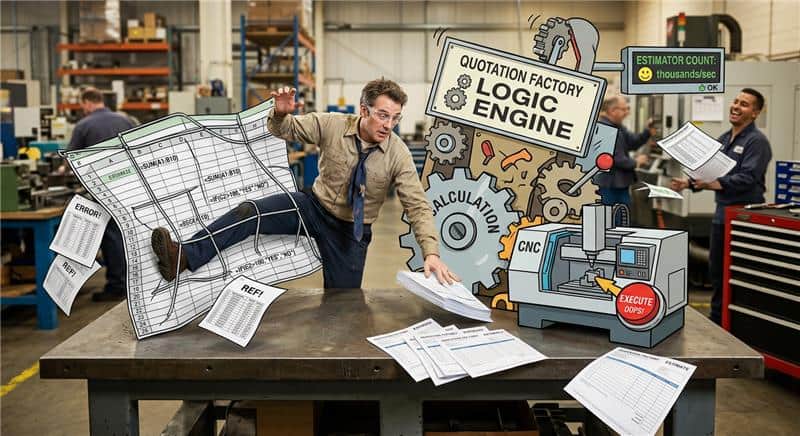
For years, “Excel” has become a kind of shorthand in digital transformation conversations. Mention it in a meeting and you’ll often hear the same verdict: “All those spreadsheets… you should get rid of them.”
That reaction is understandable-because many companies really do use Excel in ways that create fragility and chaos. But the conclusion “Excel is bad” is too blunt. The real question is simpler and more useful:
What are you using Excel for?
When you separate “Excel as a database” from “Excel as a calculation engine,” the discussion changes completely. And that distinction matters a lot for quoting, estimating, and manufacturing decision logic-the kinds of problems we solve at Quotation Factory.
Where Excel *doesn’t* belong: as a database
Let’s start with where the criticism is valid.
Using Excel as a database is a recipe for problems:
- Tables grow organically inside spreadsheets.
- Files live on shared drives with unclear ownership.
- Multiple versions circulate (“final_final_v3.xlsx”).
- Data becomes hidden inside cells and hard to query, audit, or maintain.
- Collaboration breaks down (either everyone edits everything, or only one person has access).
In other words, you end up with data that’s difficult to govern, difficult to integrate, and difficult to scale.
For data storage, access control, collaboration, and integrity, use a proper database or a system designed for that job. Excel should not be your system of record.
Where Excel *shines*: as a calculation engine
Now for the part that’s often missed.
Excel is not “just a file.” Under the hood, it’s an extremely sophisticated calculation engine. Each formula and cell reference creates a network of dependencies that Excel evaluates in the correct order. In programming terms, Excel behaves like it is building an internal structure similar to an abstract syntax tree-a dependency graph that determines:
- which calculations depend on which inputs,
- what must be computed first,
- and what needs to be recalculated when a single value changes.
That’s why Excel can recompute complex models instantly and reliably, even when thousands of formula relationships are involved.
This is the key nuance:
When we talk about Excel in the context of Quotation Factory, we’re not talking about Excel as “data storage.” We’re talking about Excel as a programmable calculator.
How Quotation Factory uses Excel: logic, not data
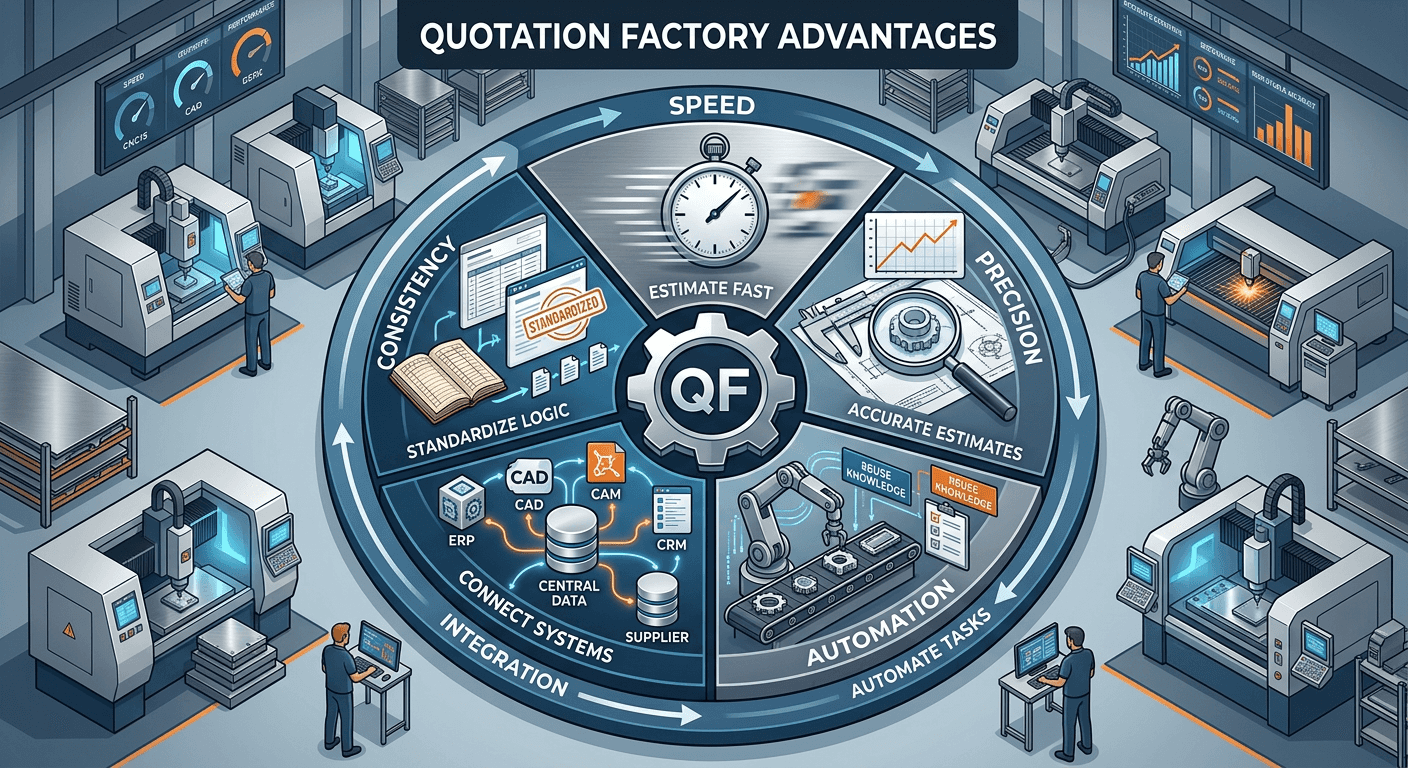
At Quotation Factory, Excel files can be used as containers for decision logic:
- formulas and calculation models,
- parameter sets that are relatively stable (e.g., machine constants),
- decision tables (“if X, then Y”),
- cost/time/material estimation logic,
- manufacturability logic (can a task be executed on a machine under specific constraints?).
The important design principle is this:
The data comes from outside. The Excel model calculates based on that input.
We do not put operational, dynamic production data “inside spreadsheets and hope for the best.”
When Excel is used this way-within a controlled domain and bounded scope-it becomes an incredibly practical method for expressing complex real-world logic.
Why not just use Python (or a proprietary rules language)?
Some quoting and estimation solutions use Python under the hood. That can work. But it comes with trade-offs:
- Customers must understand and maintain Python code.
- Logic quickly becomes harder to read than spreadsheet formulas.
- Testing requires additional infrastructure.
- Scripts can fail under edge conditions unless carefully engineered.
- Maintaining logic often becomes a “developer-only” activity.
There are also platforms that use proprietary logic languages embedded in object-oriented databases-powerful, but niche. The question then becomes:
Who understands it? Who can maintain it? Who can change it when the business changes?
One of the practical strengths of Excel is that most organizations already have people who can work with it confidently. With clear conventions and documentation, Excel models can be understandable, testable, and maintainable by the customer-not only by specialist developers.
That matters when you’re dealing with quoting logic that evolves continuously with machines, materials, operators, and production realities.
“You use Excel?” Not exactly. We use Excel files-with our engine.
Another critical point: Quotation Factory does not “run on Excel.” We use Excel files as a modeling format and execute them using our own platform capabilities.
In practice, we can run thousands of spreadsheet-based estimators per second as part of a broader estimation architecture. Our platform uses an actor-like model of estimators that can compute estimates using different mechanisms, such as:
- 2D nesting algorithms,
- length-based nesting approaches,
- integrations with on-premise CAD/CAM systems,
- spreadsheet-based estimators for logic and calculations.
Excel is one type of estimator-useful in the right context-alongside other estimation approaches.
Reliability: validation, guardrails, and versioning
Using Excel for logic doesn’t mean “anything goes.”
To make spreadsheet-based estimators production-ready, you need guardrails. In our platform, this includes:
- consistency checks when an Excel model is uploaded,
- pre-calculation validation before execution,
- and increasingly, versioning to track changes over time.
We’re also moving toward customer-specific repositories (e.g., Git-backed) so changes to uploaded logic become traceable and manageable-just like software.
The next wave: AI makes spreadsheet logic easier to understand
One common complaint about spreadsheets is that they can become hard to interpret, especially when they involve extensive cross-sheet references.
That’s a real risk-yet it’s also becoming a solvable problem.
Modern language models are improving rapidly at interpreting, explaining, and even refactoring Excel logic. This means what used to feel like a “black box spreadsheet” can become:
- explainable,
- auditable,
- and easier to maintain.
Ironically, the tools that are pushing “digital transformation” forward may also make well-designed spreadsheet models more transparent than many code-based alternatives.
The bottom line: stop arguing about Excel. Start defining the use case.
“Excel is outdated” is a slogan, not a strategy.
If you use Excel as a messy database and your company depends on it as an uncontrolled system of record, then yes-moving away is often the right decision.
But if you use Excel for what it excels at-fast, structured, dependency-aware computation-and you embed it inside a governed platform where input, validation, execution, and versioning are controlled, then Excel becomes something else entirely:
a powerful, flexible, customer-manageable way to model business logic.
At Quotation Factory, we don’t defend Excel out of nostalgia. We use it because, in the right place, it’s one of the most effective ways to express real-world estimation and decision logic-without forcing every customer to become a software company.
And that’s the nuance the “no more spreadsheets” debate often misses.